Shopify Store Getting Traffic but No Sales? 12 Fixes to Check First
Find the gaps between visits and purchases: traffic quality, trust, product pages, mobile, shipping and checkout.
Key takeaways
- Verify the real product, audience, costs, and fulfillment before committing to a launch.
- Storalo prepares ready stores; sales depend on products, marketing, and your effort.
- Use the practical checks below instead of assumed results or guaranteed timelines.
Traffic without sales does not automatically mean your product is bad. It means something between the visit and the purchase needs investigation. Before replacing products, adding discounts, or paying for more visitors, check whether people arriving at your store could realistically become customers.
Storalo prepares ready-to-sell Shopify stores, but a finished storefront is only one part of a business. Sales depend on products, marketing, pricing, fulfillment, and your effort. There is no conversion rate or traffic count that guarantees an order. Use the checks below to find the next sensible action rather than chasing a universal benchmark.
Start with the right traffic
Review the source, country, device, and landing page of your visits. A campaign targeting a country you do not ship to can generate attention without generating buyers. A viral video can attract people interested in the joke rather than the product. Search visitors looking for instructions may not want to purchase anything.
Separate sources where possible. Compare paid campaigns with organic search, social content, and direct visits over the same period. Check human traffic rather than treating every recorded session as a potential shopper. Shopify explains session and bot filtering changes in its analytics measurement guidance.
Write down the actual promise in your ad or post. Does the landing page repeat that promise honestly? If content shows a specific product, send visitors to that product rather than a broad homepage. If the offer depends on a bundle, the bundle should be easy to find on arrival.
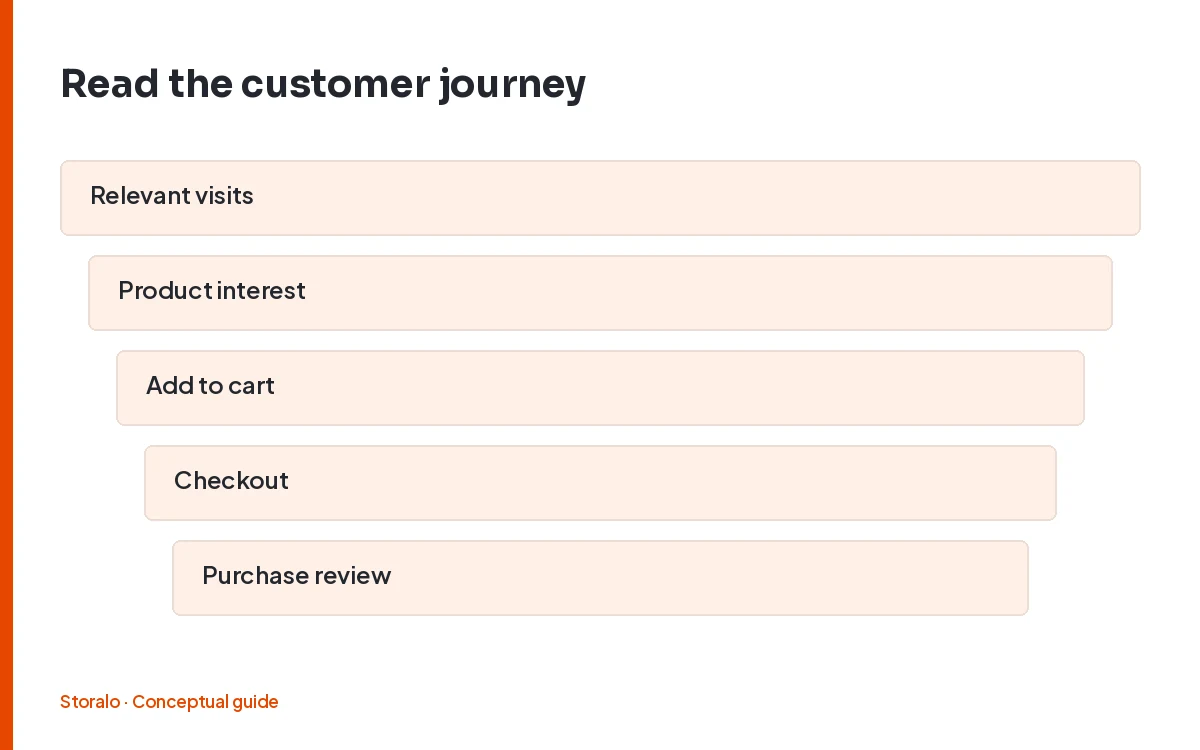
Read the journey, not just the order count
In Shopify analytics, review sessions, additions to cart, visits reaching checkout, and completed purchases. Report names and available breakdowns can vary; use Shopify's behavior reports documentation to understand the current definitions.
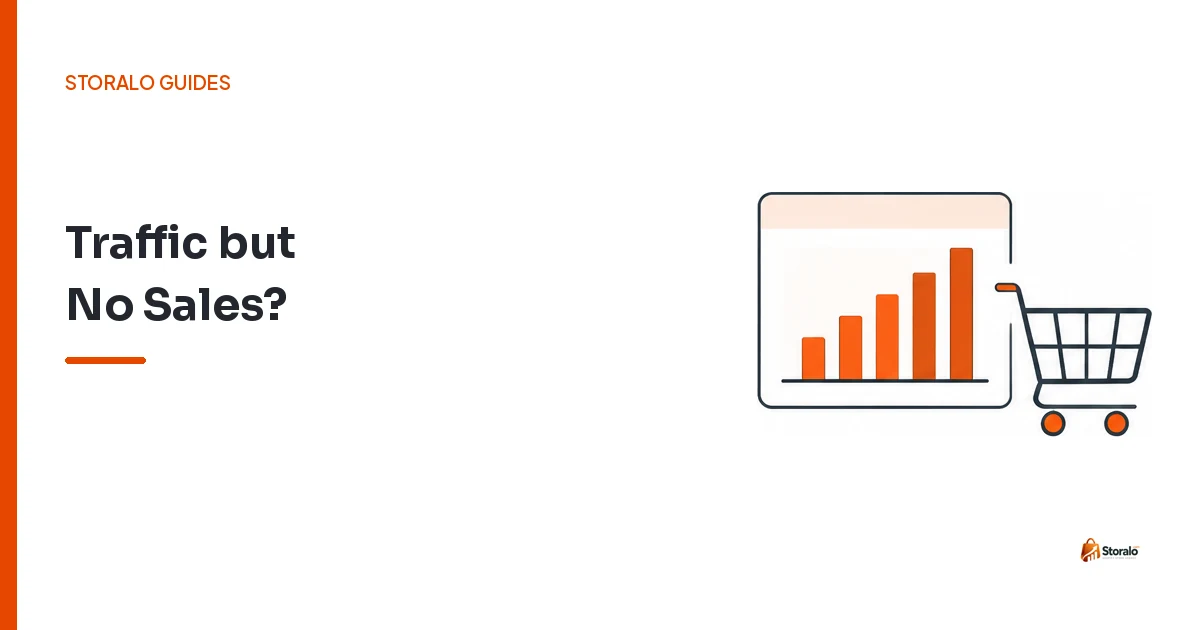
These stages answer different questions. Few additions to cart may suggest weak relevance, an unclear product page, or an unattractive offer. Carts without checkout visits may indicate confusing cart controls or shipping uncertainty. Checkout visits without purchases may point to costs, payment problems, or last-minute hesitation. None of these patterns identifies a cause by itself.
Avoid comparing unlike periods. If you changed targeting, prices, and shipping together, you cannot confidently attribute a result to one change. With very little activity, one purchase can alter a percentage sharply. Look for repeated patterns and specific obstacles, not a verdict from a handful of visits.
Twelve fixes to check first
Use this table as a diagnostic list. The fix column is a starting point, not evidence that every store has the same problem.
| Problem | How to check | Fix |
|---|---|---|
| 1. Wrong traffic source | Compare the campaign promise with visitor intent | Target a relevant audience and match the landing page |
| 2. Wrong country | Compare visitor locations with shipping destinations | Exclude unsupported markets and show delivery availability |
| 3. Generic store identity | Ask whether the homepage explains the niche | Use consistent branding and a clear customer-focused message |
| 4. Missing contact information | Try finding and using the contact page | Publish accurate business contact details and a working form |
| 5. Weak evidence | Review claims, reviews, and product demonstrations | Use genuine evidence; remove invented proof |
| 6. Unclear product page | Read the first phone screen as a new shopper | Show the product, benefit, price, and purchase action clearly |
| 7. Uncertain shipping | Look for dispatch, transit, and return information | Explain actual delivery expectations near the purchase decision |
| 8. Poor offer | Compare total cost and product usefulness with alternatives | Test a relevant bundle or clearer value proposition |
| 9. Mobile friction | Try selecting variants and adding to cart on a phone | Repair overlapping controls and difficult touch interactions |
| 10. Slow or broken media | Open the page on a normal mobile connection | Resize media and remove unnecessary scripts or broken assets |
| 11. Surprise checkout costs | Test a supported destination through checkout | Clarify shipping charges and avoid misleading price presentation |
| 12. Payment failure | Follow the payment provider's test-order procedure | Correct provider settings and supported payment methods |
Fix trust without inventing proof
A new store may have no customer reviews. That is normal. Do not solve it by copying reviews from another business or writing your own customer stories. Supplier reviews are not automatically reviews of your store; rights, attribution, and relevance need checking before using any outside material.
Show what you can verify: accurate product specifications, useful photos, clear contact information, and realistic delivery policies. Make the store name, visual identity, and language consistent. Broken navigation, leftover placeholders, and contradictory shipping promises can make an otherwise legitimate offer feel unreliable.
Policies should describe your actual business, not just occupy footer links. Check who handles returns, where goods are sent, and how shoppers contact you. Storalo includes essential store presentation, while the owner remains responsible for correct business details and operating practices.
Make the product page answer buying questions
The first screen should establish what the product is, who it helps, what it costs, and what action the shopper can take. Benefits should connect a feature to a useful outcome without promising unsupported results. A jewelry page, for example, should explain materials and sizing rather than rely only on an attractive photo.
Include images that reveal the real product, its scale, important details, and included accessories. If you use demonstrations, make sure they represent the item you sell. Do not imply clinical results, durability, or compatibility you have not verified.
Keep the price, variant selection, and purchase button understandable. Shipping and return summaries should be visible before checkout, with links to the full policies. For a closer look at page structure, read our product page design checklist and examples.
Improve the offer without manufactured urgency
A discount is not a substitute for a useful product. Ask why someone would choose this offer over a marketplace, local shop, or an established brand. The answer might be a relevant combination of items, clearer guidance, a well-defined audience, or a better-supported customer experience.
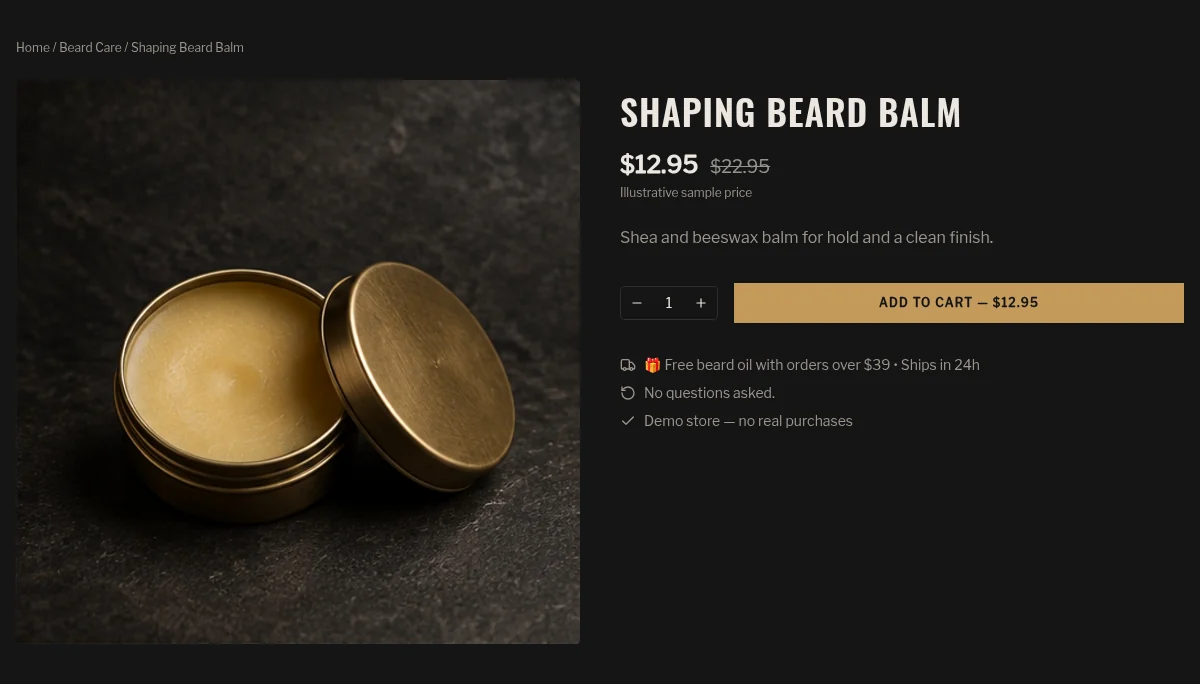
Bundles should make sense together and show their actual total. Quantity breaks need to work in the cart. If you advertise a saving, the comparison must be genuine and compliant with applicable pricing rules. Do not inflate a reference price just to make the current price look impressive.
Real deadlines are acceptable when they really end. Fake countdowns, invented stock warnings, and permanent closing-down offers undermine trust. If you cannot support urgency, leave it out and explain the product's usefulness instead.
Want a clearer starting point? Compare Storalo ready-store packages and browse Storalo demo storefront designs. Storalo can prepare the storefront while you focus on validating the audience and offer.
Test mobile and checkout yourself
Open the store on a real phone. Dismiss any popup, choose a variant, add the product to the cart, change quantity, and continue to checkout. Look for buttons covered by banners, image galleries that refuse to swipe, unreadable text, and menus that block the purchase path.
Use a supported delivery address and check the shipping cost before payment. Confirm that currencies, totals, and product options remain consistent. Check whether the payment methods you advertise are actually available to your intended customers.
Follow Shopify's official test-order guidance rather than placing uncontrolled live transactions. When testing is complete, make sure the provider is no longer in test mode. A working checkout cannot guarantee demand, but a broken checkout makes advertising spend difficult to justify.
Fix the store or change the product?
Fix obvious barriers first: missing delivery details, broken purchase controls, inaccurate prices, and payment failures. These are observable problems regardless of how attractive the product might be. Keep a brief record of each correction and when it went live.
Consider changing the product when supplier quality is unacceptable, landed costs leave no workable margin, advertising claims cannot be substantiated, or buyers consistently reject the offer even after identifiable store friction is corrected. More advertising will not solve unsafe goods or impossible fulfillment economics.
Keep testing when relevant shoppers ask useful questions, inspect options, or enter checkout, but do not treat these signals as proof of future sales. Set an affordable test budget and a decision date. Revisit the store launch checklist before committing more spend.
Get your next store with Storalo
If your current storefront is generic or incomplete, Storalo offers a ready-store route instead of asking you to assemble another site yourself. Bring your niche, target market, product links, and the issues you observed. A focused brief makes design decisions more useful than asking for a store that simply looks busier.
Order a Storalo Growth Ready Store or compare the demos before choosing your package. Storalo sells storefront preparation, not guaranteed sales. Keep enough budget and attention for supplier checks, original content, customer support, and ongoing testing after launch.
Frequently Asked Questions
Why does my Shopify store get traffic but no sales?
The cause varies. Start with source, country, and intent, then review product-page clarity, shipping, trust, cart behavior, and checkout. Traffic alone does not prove demand, and a small sample cannot establish a reliable pattern.
How many visitors should I get before expecting a sale?
There is no universal visitor count that guarantees an order. Relevant traffic and a workable offer matter more than a large total. Use an affordable test limit and look for specific obstacles rather than waiting for a promised threshold.
Should I lower prices when nobody buys?
Not automatically. Check the full delivered cost, product usefulness, page clarity, and payment journey first. A discount can reduce your margin without fixing irrelevant traffic or a broken checkout.
Do I need reviews before launching?
You can launch without customer reviews. Use accurate product evidence and working contact and policy pages. Never invent testimonials, purchase notifications, or customer results to make a new store appear established.
Can Storalo fix the starting point for my next store?
Storalo offers ready-to-sell stores with defined package scopes. Bring your niche, market, product links, and observations. Store preparation can address presentation, but sales still depend on the product and how you run and market the business.
Sources and references
Prices and platform features were checked on November 23, 2026 and can change. Cost ranges for third-party services are illustrative estimates, not quotes.
About the author: Storalo team
The Storalo team writes practical guides for beginners launching ready-to-sell Shopify stores. Storalo is an independent store design service, not affiliated with Shopify Inc. Product choice, marketing, and ongoing store operations remain the owner's responsibility.